
Can You Upload a WAV File to a Podcast Host?
Last updated: August 2026
This post contains affiliate links, and we may earn a commission if you sign up through them, at no cost to you. See our Affiliate Disclosure. Host specs verified August 2026.
Buzzsprout, Transistor, and Spotify for Creators all take a WAV upload. Castos, Acast, and Podbean do not. And every host that accepts one converts it to MP3 before a single listener hears it, because podcast apps do not play WAV from a feed.
So the question is not whether your host takes a WAV. It is whether you want the host picking your bitrate for you.
Which podcast hosts accept WAV files?
Fewer than you would guess. WAV is what your recorder and your editor hand you, so it feels like the natural thing to upload, but half the major hosts only want MP3 or M4A. Here is where each one stands as of August 2026, pulled from the hosts’ own documentation.
| Host | Takes a WAV upload? |
|---|---|
| Buzzsprout | Yes. Recommends a WAV or a high quality MP3, up to 5 GB. |
| Transistor | Yes. Converts WAV, AAC, M4A, MP4, and MOV to MP3. Cap of 2000 MB. |
| Spotify for Creators | Yes. Takes MP3, M4A, and WAV, in mono or stereo. |
| Captivate | Not listed. The docs name MP3, M4A, and MP4. Export MP3. |
| Castos | No. MP3 and M4A only, plus MP4 video on the Pro plan. |
| Acast | No. MP3 and M4A only, with a 150 MB ceiling per file. |
| Podbean | No. The free plan takes MP3 and M4A. Higher plans add OGG, MP4, M4V, and MPG. |
| Libsyn | Recommends MP3. M4A works, though not every directory handles it. |
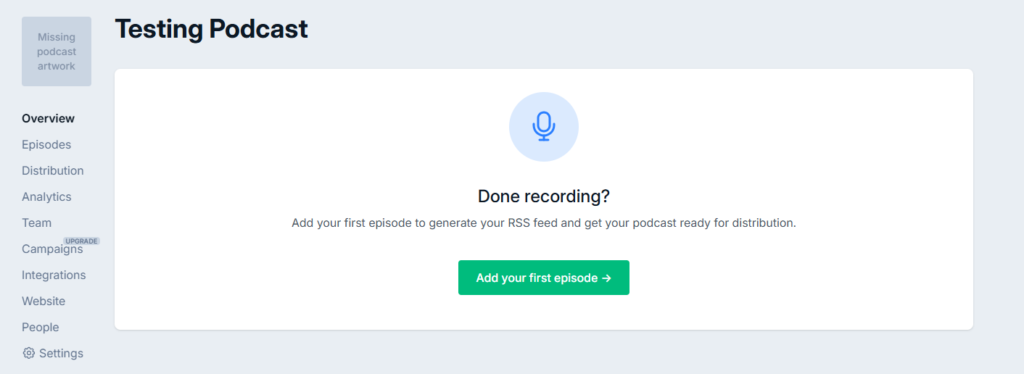
Captivate is the one to watch there. Its help docs are specific about converting M4A and MP4 and never mention WAV, so an MP3 export is the safe move rather than an experiment on publish day.
Does uploading a WAV give you better sound?
Usually not, and this is where the advice you have read is a decade out of date. The file your listener downloads is an MP3 either way. Upload a WAV and the host runs the encode with its own settings. Upload an MP3, and you ran it yourself in your editor, where you could hear the result before committing.
There is one case where the WAV earns its upload time. If you are paying for a host’s mastering service, Buzzsprout’s Magic Mastering being the obvious one, feeding it a lossless source keeps you from stacking two lossy encodes on top of each other. Processing an already-compressed MP3 and then re-encoding the output is the audio equivalent of photocopying a photocopy.
Outside that, exporting your own MP3 is the better habit. You keep control of bitrate, channels, and loudness, and you find out about problems at your desk instead of in a podcast app.
How big is a WAV file, and will it blow past your host’s limit?
Big enough to matter. Uncompressed 16-bit stereo at 44.1 kHz runs about 10.6 MB per minute. Mono halves that to roughly 5.3 MB.
Run the arithmetic on a normal episode, and the limits start biting. A 45-minute stereo WAV is around 476 MB. That is more than three times Acast’s 150 MB per-file ceiling, well past the 200 MB limit Castos hits when episodes come through the WordPress plugin, and more than double the 200 MB Transistor recommends staying under even though it will technically accept up to 2000 MB.
The same 45 minutes as a 96 kbps mono MP3 is about 31 MB. Nothing in that list is a problem anymore.
This is also why Libsyn’s plan structure punishes big files specifically. Libsyn sells you a monthly upload allowance measured in megabytes rather than a number of episodes, so your export settings decide how many shows you can publish that month. Libsyn pricing walks through what each tier actually buys you.
Why does Apple say it accepts WAV then?
Because Apple runs two different pipelines and people read the wrong page. Apple’s audio requirements list WAV, FLAC, or MP3, but that applies to audio delivered directly through Apple Podcasts Connect for subscriber content.
For a normal RSS feed, which is how your host distributes you, Apple asks for MP3 or AAC. Its recommended settings are 64 to 128 kbps for mono and 128 to 256 kbps for stereo, at 44.1 or 48 kHz.
So the WAV you saw referenced is real. It just is not the path your episodes take. If you publish through Buzzsprout, Transistor, Captivate, or any other host, you are on the RSS side of that fence, and MP3 is the destination no matter what you hand over at the start.
What should you actually export?
MP3 at 44.1 kHz. Use 96 kbps mono for a talk show, 128 kbps stereo if there is music or a real stereo image in the mix. Both sit comfortably inside Apple’s recommended range, and both are small enough that no host limit on this page applies to you.
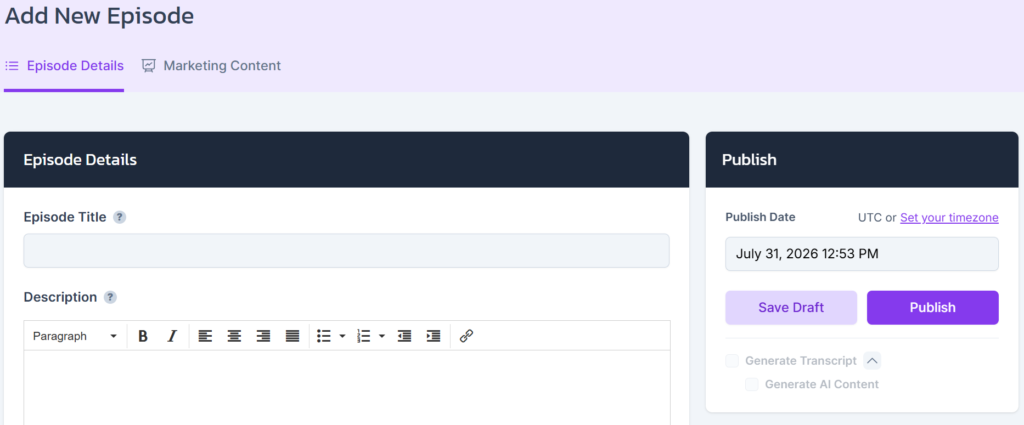
Keep the WAV. Archive it, back it up, and re-cut from it when you need a clip or a rerun. Just do not make it the file you upload week to week.
The full reasoning behind those numbers is in podcast audio quality explained, and what each host does to your file after upload is in does your podcast host re-encode your audio.
Which host handles source files best?
Transistor takes the widest range: WAV and AAC and M4A and even video files with the audio pulled out, and it leaves a finished MP3 completely alone. That combination is hard to beat if your workflow is messy or your co-host sends you whatever their recorder produced. The catch is price, since there is no free tier and the entry plan is $19 a month.
Buzzsprout is the better call if you want the mastering done for you, and it is the only host here that recommends the WAV outright. Its 5 GB ceiling means you will never hit a size wall. The tradeoff is the default 96k mono encode, which flattens anything you recorded in stereo unless you pay for the Mostly Music setting.
If you are earlier than that and still picking, how to choose a podcast host covers the decision properly, and best podcast host for beginners narrows it to two.






